Cette publication est également disponible en :
 Français (French)
Router description
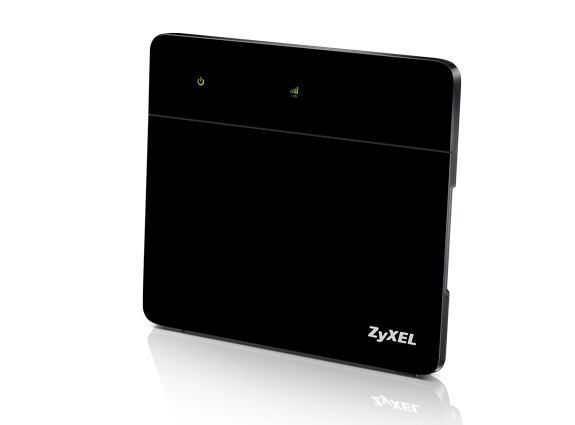
Front panel:
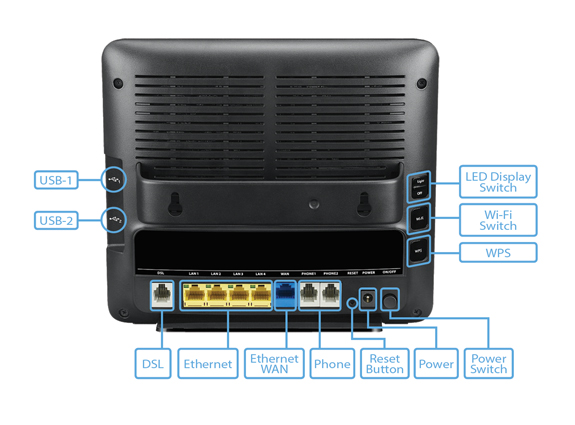
Rear panel:
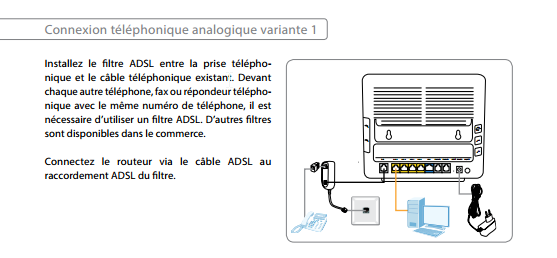
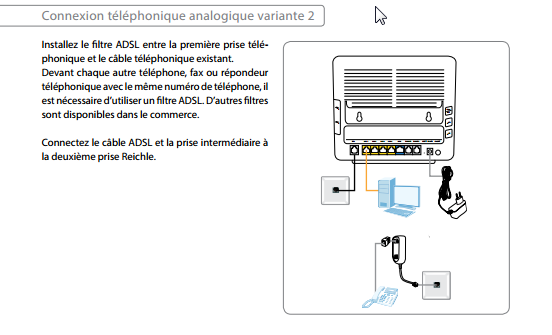
Once the router is connected
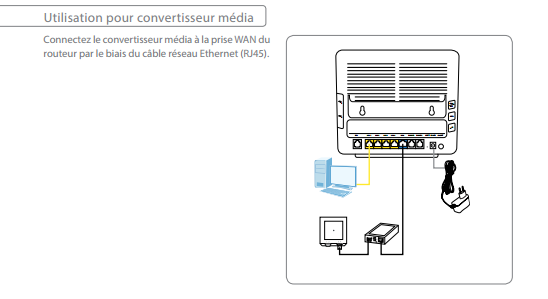
As part of a fiber connection :
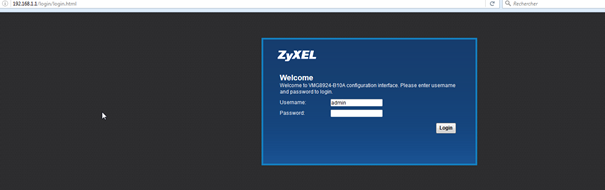
Open your web browser and type http://192.168.1.1/ in the address bar.
Enter your login details on the login page :
Username : admin
Mdp : 1234 (default password, following a reset ) otherwise refer to the internet form provided by DFI
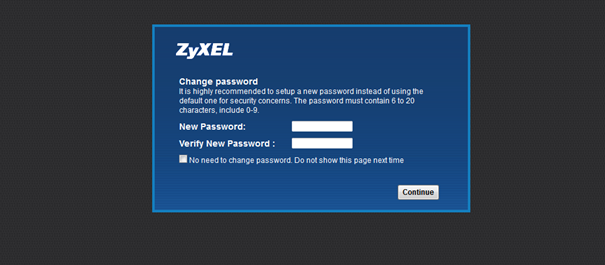
The first time you log on, you will be asked to change your password if it is the default one:
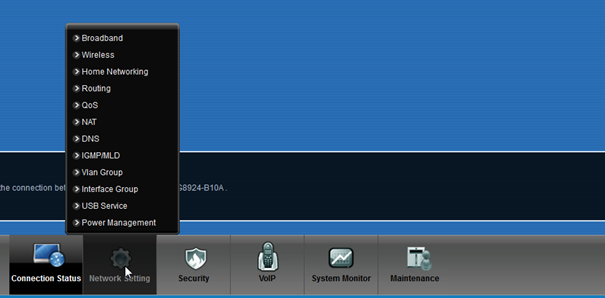
Once connected to the router, click on the Network Setting tab and then Broadband.
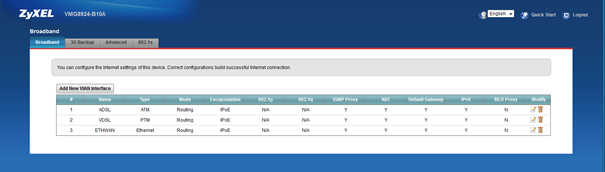
Then, depending on your line type, choose the link :
Here are the parameters for an ADSL line
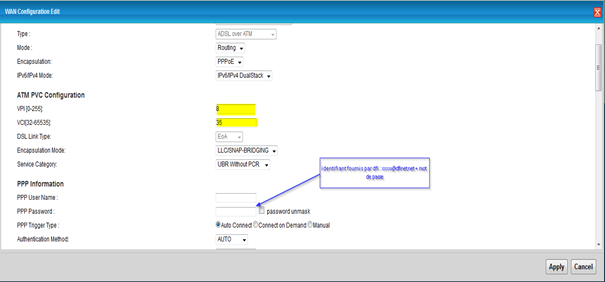
All other parameters must remain unchanged
Here is the configuration for a VDSL line:
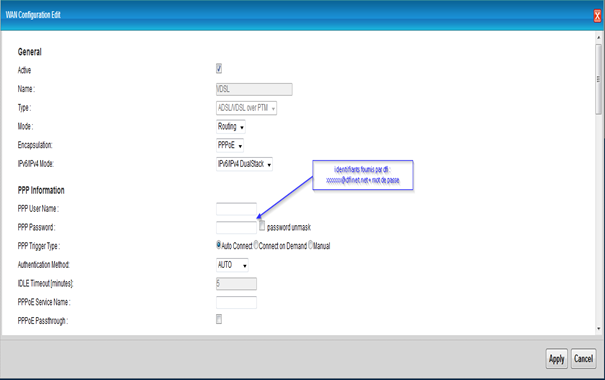
All other parameters must remain unchanged
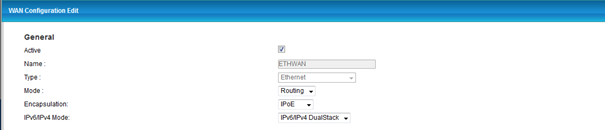
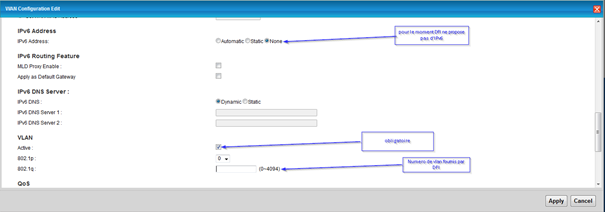
Here are the parameters for a fiber connection on our routers:
Eth/wan is used for fiber, it is the Blue port of the Zyxel router.