Cette publication est également disponible en :
 Français (French)
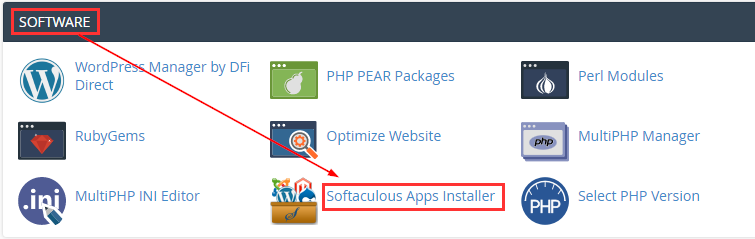
To begin, log on to your cPanel administration interface.
Then click on the SoftAculous icon:
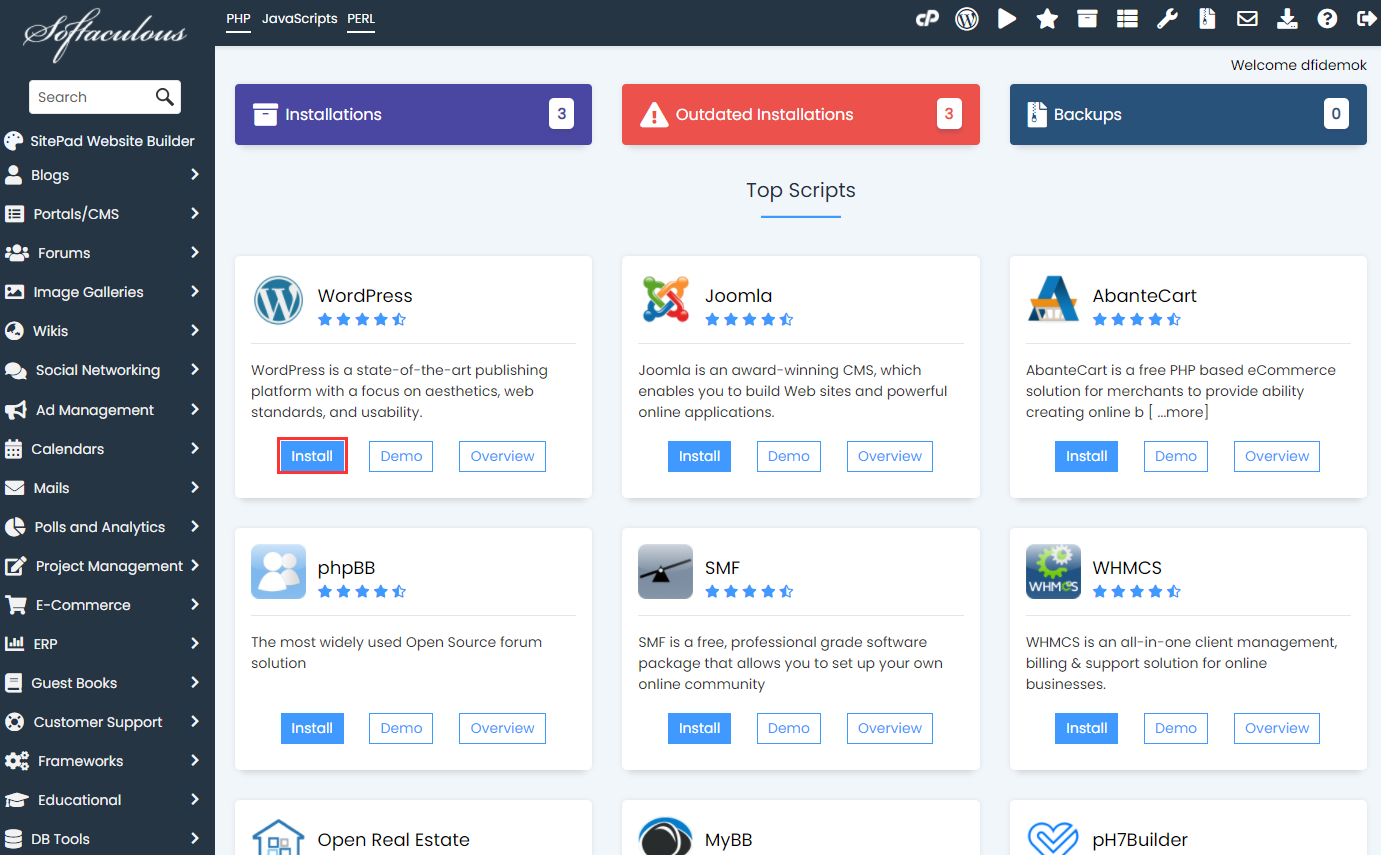
Select the desired CRM then click on install :
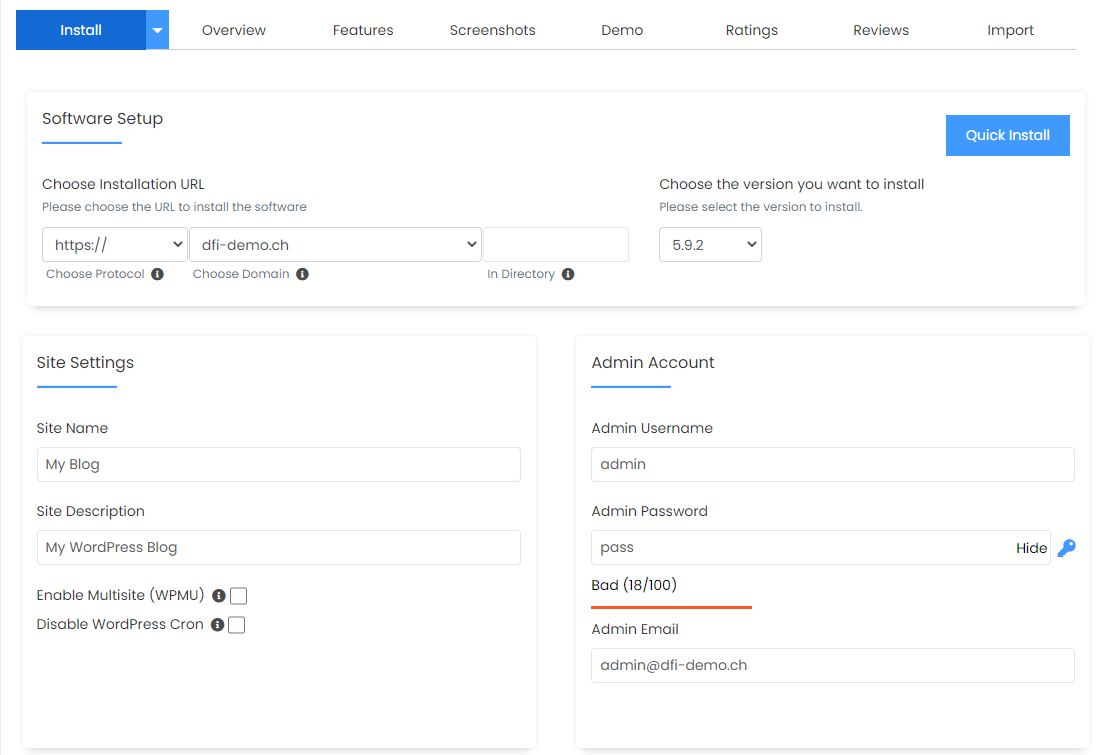
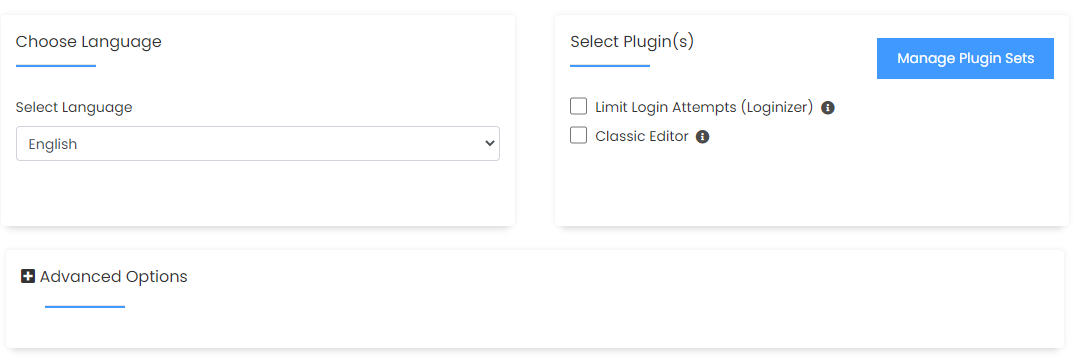
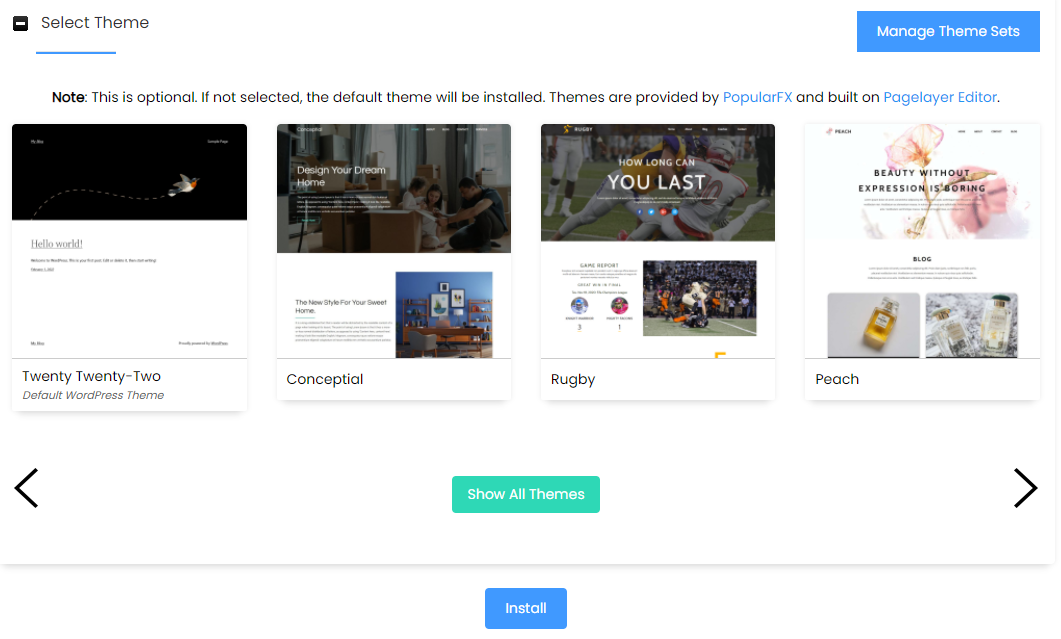
Simply fill in the form and click on “Install”!
Note: by default, your site will be installed in a “wp” directory as proposed in “In Directory”. You can modify this directory or simply leave the box empty (as below), so that your site is installed directly in the root of your domain.
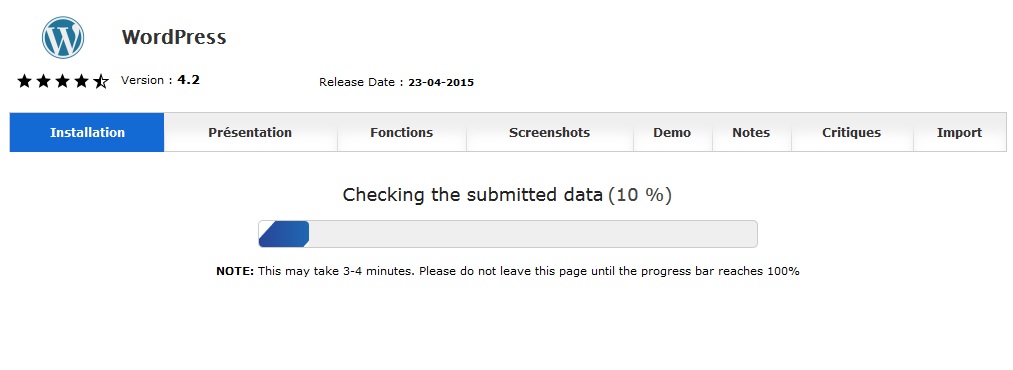
Installation is automatic:
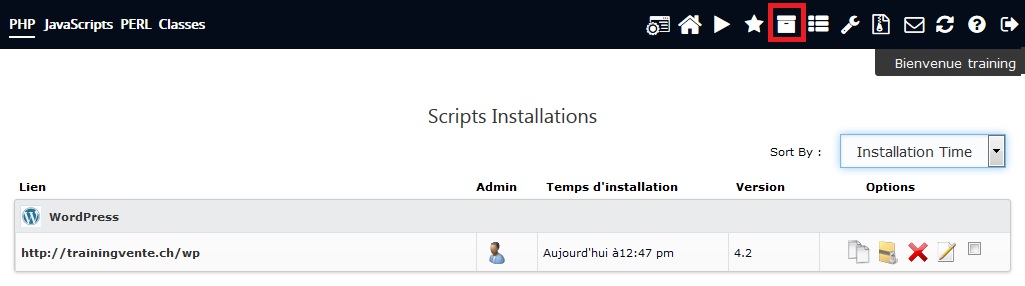
You can now update and back-up your installations by clicking on the “All installations” button: