

Cette publication est également disponible en :
 Français (French)
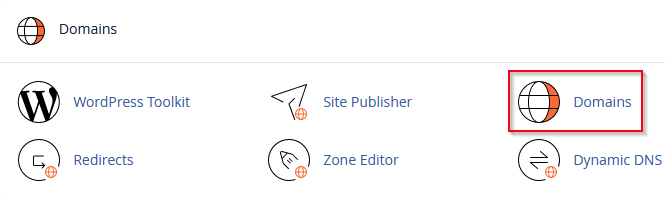
In the “Domains” section of your cPanel Click on the Domains icon
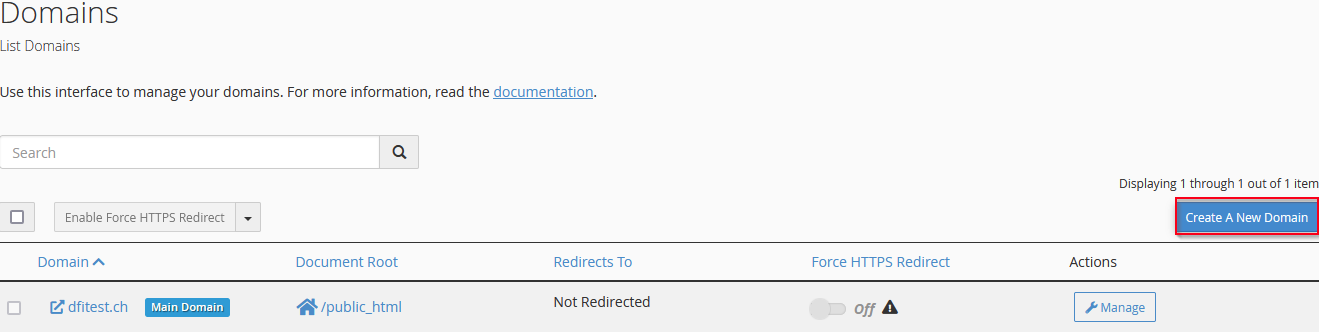
Click on “Create A New Domain
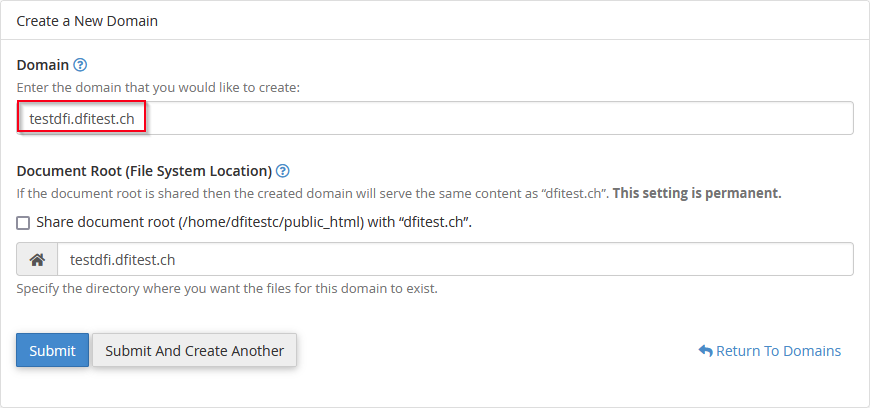
Enter the sub-domain name and click on “Submit”.
The following message appears:

NB: If you encounter an error, check that the DNS zone doesn’t already exist and that the subfolder doesn’t exist either.
Your subdomain will appear as shown below:

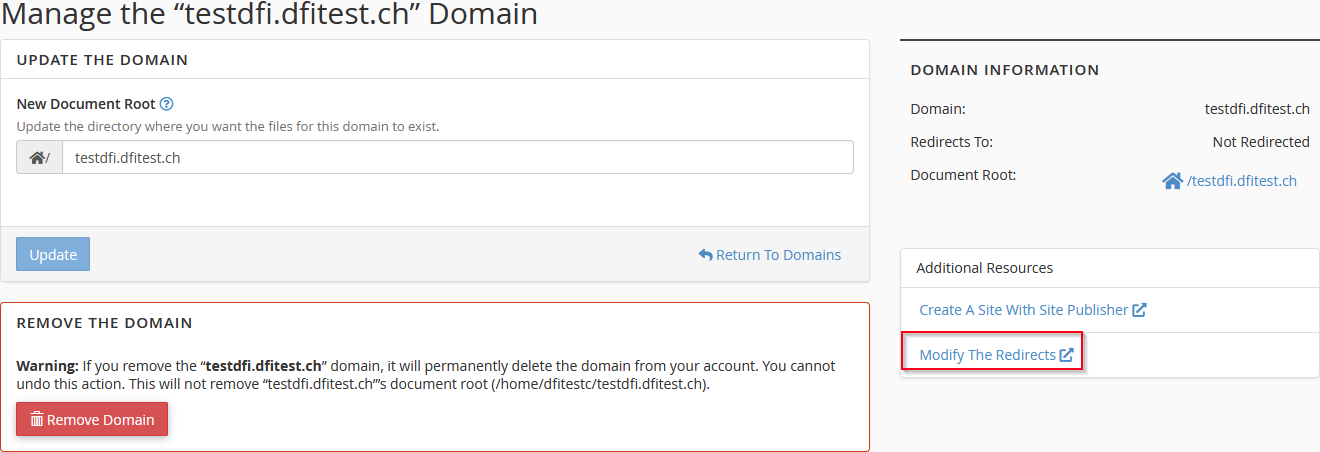
NB: ” ” is used to change the “Document Root” (which folder your website will point to).
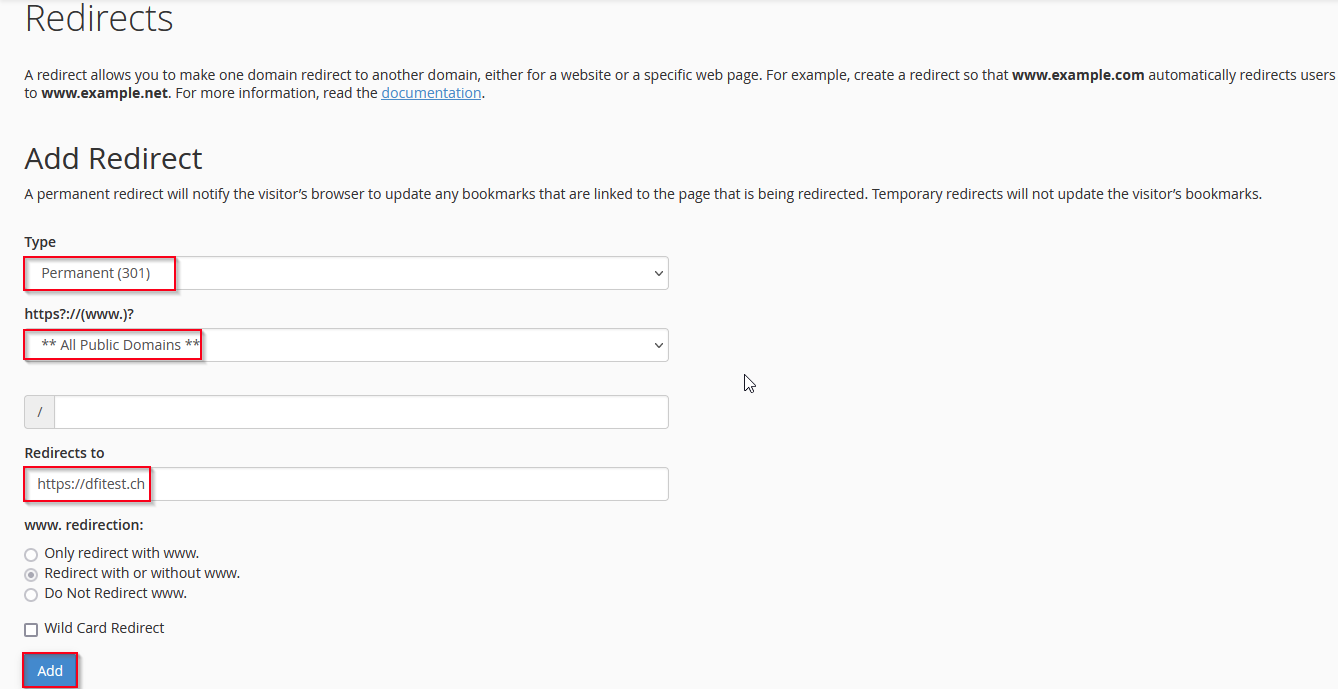
By clicking on “Manage” and then on “Modify The Redirects” you can redirect your subdomain to a separate URL.
Ex :
Fill in the fields and click on “Add”.

If you wish to deactivate the redirection, click on “Delete”.
